Generate recipes with AI
Start from a title, pantry ingredients, or a photo — Chefbase produces a complete recipe with ingredients and steps, ready to cook or customize.
Five ways to create a recipe
From the + button on home, pick how to start. Ideal if you have just an idea, a photo of a dish, or ingredients already at home — no need to search across ten different sites.
- Manual recipe: ingredients and steps like a classic cookbook
- Import from a link: paste the URL and Chefbase organizes the recipe
- Generate from a title: a name or an idea, e.g. "tiramisu"
- Generate from ingredients: what you have in the fridge or pantry
- Generate from a photo: snap or upload the dish or a written recipe
What you get from each generation
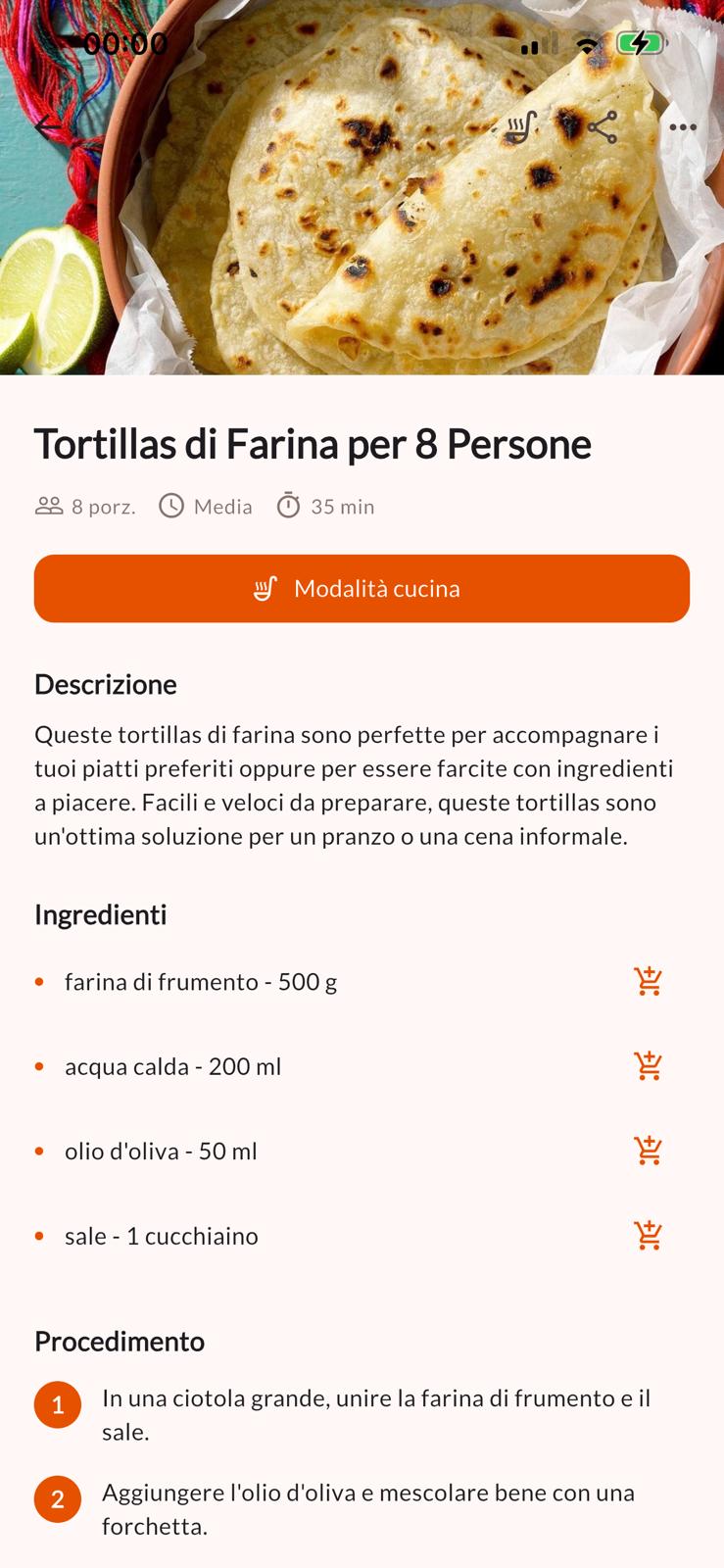
AI proposes a complete recipe: title, ingredients with quantities, a numbered procedure, and useful cooking notes. It's not a generic paragraph — it's a ready card to save, customize, and reuse.
After generation you can adjust servings, times, and flavors, add it to a cookbook or meal plan, and send ingredients to the grocery list.
AI in service of cooking, not in place of you
Chefbase's AI doesn't replace Grandma's dishes — it speeds up those moments when you have no idea what to cook. It's a precise assistant — like the rest of the product — that leaves you in control of the final result.
With PRO on the mobile app, AI generations become unlimited. On the free plan you can still try generation and save recipes to your account.